Table of Contents

The launch of RuneScape: Dragonwilds marks a historic milestone for Jagex, transitioning the legendary Gielinor setting into a modern survival crafting RPG. For the first time in the franchise's 25-year history, players are no longer tethered to their PCs, as the game makes its grand debut on major consoles. Naturally, the most pressing question for the community revolves around runescape: dragonwilds crossplay functionality and how it bridges the gap between different gaming ecosystems.

Understanding how runescape: dragonwilds crossplay operates is essential for groups of friends who want to survive the harsh landscapes of Ash and Fall together, regardless of whether they prefer a mouse and keyboard or a controller. This guide will break down the technical requirements, the distinction between cross-platform play and progression, and the best practices for setting up your multiplayer sessions.

Quick answer RuneScape: Dragonwilds supports full crossplay between PC (Steam, Epic, Jagex Launcher), PlayStation 5, Xbox Series X/S, and Nintendo Switch 2. However, it does not support cross-progression; your save files are locked to the platform where they were created.

Platform Availability and Launch Ecosystem

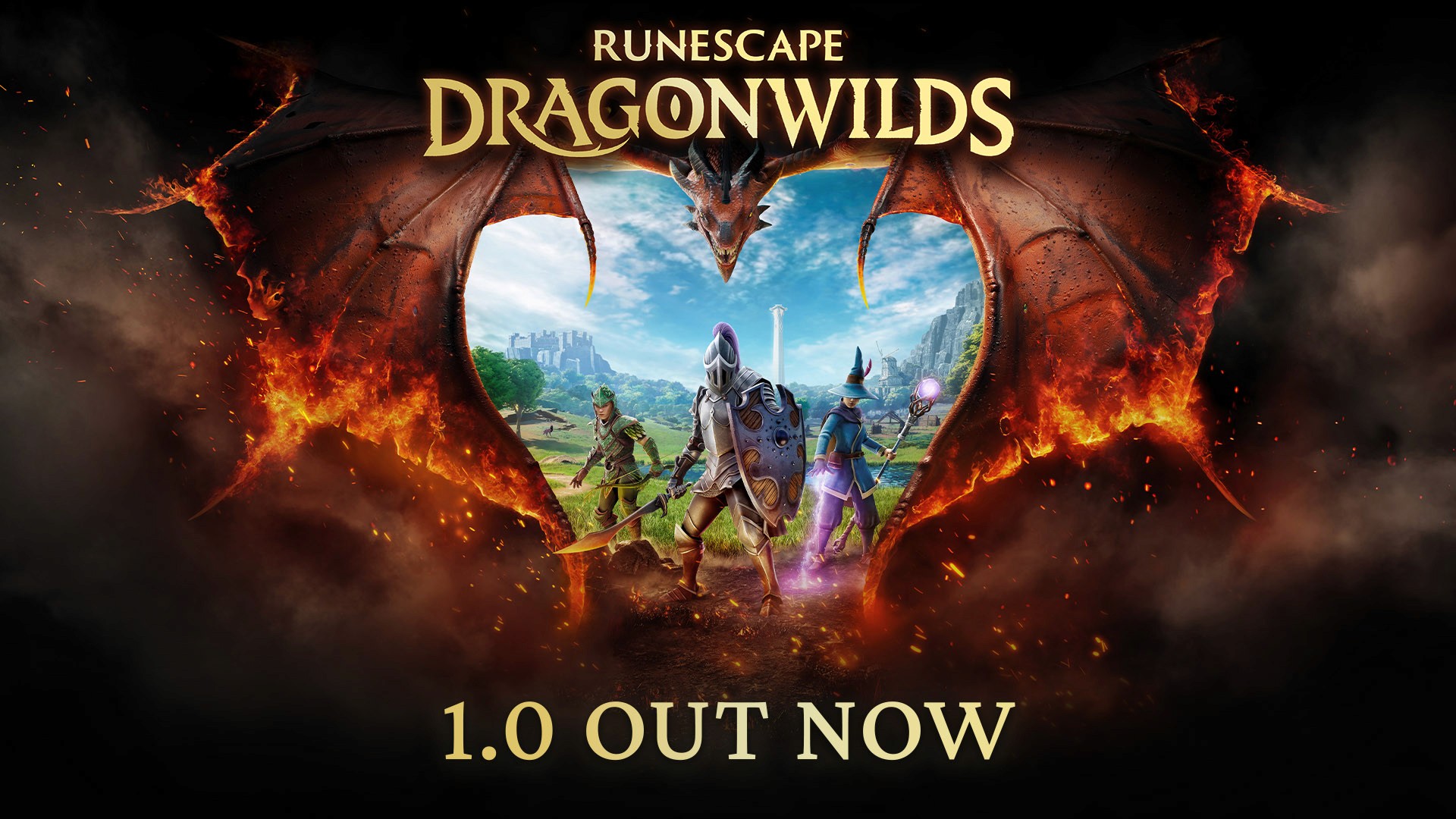
The official 1.0 release on September 15th brought RuneScape: Dragonwilds to an unprecedented number of platforms. Jagex utilized Unreal Engine 5 to streamline the porting process, ensuring that the survival mechanics and interface-heavy gameplay translated well to console hardware.

On the PC side, players have multiple storefront options. While Steam remains the most popular choice, the game is also available on the Epic Games Store and the standalone Jagex Launcher. According to community reports, it is important to note that owning the game on Steam does not automatically grant you access to the Jagex Launcher version. If you wish to switch between these specific PC storefronts, Jagex currently requires a separate purchase for the standalone launcher version.

Subscription Services and Pricing

To lower the barrier to entry, Jagex partnered with Microsoft and Sony to include the game in popular subscription tiers. This allows a massive influx of new players to test the runescape: dragonwilds crossplay features without an upfront $29.99 investment.

Platform Storefront / Service Launch Price Subscription Access
PC Steam, Epic, Jagex Launcher $29.99 N/A
Xbox Series X/S Xbox Store $29.99 Game Pass (Day One)
PlayStation 5 PlayStation Store $29.99 PS Plus Extra & Premium
Nintendo Switch 2 eShop $29.99 N/A

RuneScape: Dragonwilds Crossplay vs. Cross-Progression

There is a significant amount of confusion in the community regarding the difference between playing with friends and moving your own save data. While runescape: dragonwilds crossplay is fully supported, allowing a PC player to host a world that a PS5 or Switch 2 player can join, your character's progress is platform-specific.

As clarified by Jagex staff (Mod Doom), players can join any world regardless of the device. However, if you have spent 300 hours building a massive fortress on Steam and then decide to play on your PlayStation 5 in the living room, you cannot simply load that save. You would have to start a new save on the PS5. The only "transfer" that occurs is when you join a friend's world; your character and the items currently in your inventory can travel to that world, but the world state itself (buildings, chests, quest progress) stays on the host's platform.

Cross-Platform Connectivity Table

Feature Supported? Details
Cross-Play Yes PC, Xbox, PS5, and Switch 2 can all play together.
Cross-Progression No Saves do not transfer between different platforms.
Cross-Commerce No DLC and Deluxe items are tied to the platform of purchase.
Friends List Yes Uses Jagex Account integration to find friends across platforms.

The Role of Epic Online Services (EOS)

A point of contention on the official Steam community forums involves the requirement of Epic Online Services (EOS). Even for players who purchase the game on Steam, EOS is utilized in the background to facilitate runescape: dragonwilds crossplay.

Player experience suggests that this is a "plug and play" pipeline. When you launch the game for the first time, it typically creates an "empty" Epic account linked to your Steam ID. This service is what allows the game to communicate across the different networking protocols of Sony, Microsoft, and Nintendo. While some users find the third-party requirement frustrating, it is the technical backbone that makes four-player cross-platform sessions possible. Without a unified service like EOS, Jagex would have had to build a proprietary networking stack, which could have delayed the console launch significantly.

Multiplayer Modes and Server Hosting Options

RuneScape: Dragonwilds offers three distinct ways to engage with the world of Gielinor. Because the game is a survival RPG rather than a massive MMO, player counts are limited to four players per world instance. This ensures that the narrative-driven quests and resource management remain balanced.

1. Self-Hosted (Peer-to-Peer)

This is the standard way to play. You create a world and set it to "Friends Only" or "Public."

  • Pros: Free, easy to set up, full control over world settings.
  • Cons: The world only exists when the host is online. If the host logs off, everyone else is kicked out.

2. Dedicated Servers

For groups that want to grind at different times, dedicated servers are the solution. These are 24/7 environments hosted by third-party providers or on a spare PC at home.

  • Pros: 24/7 uptime, better stability for runescape: dragonwilds crossplay interactions, no "host tethering."
  • Cons: Monthly rental fee (unless self-hosting on a home server).

3. Creative Mode

A new addition for the 1.0 release, Creative Mode allows players to build and explore without the threat of raids or the need for resource grinding. This mode also supports crossplay, making it a great way for friends to collaborate on massive architectural projects.

Hosting for Crossplay If you are playing in a mixed group (e.g., PC and Console), the PC player should ideally host the world. PC hardware generally handles the networking overhead of multiple connections more efficiently than consoles, leading to less latency for the joining players.

Essential Skills for New Survivalists

Once you have successfully navigated the runescape: dragonwilds crossplay setup and landed in Gielinor, your immediate goal is survival. Unlike the main RuneScape titles, your progression is heavily tied to physical interactions with the world.

The Agility Priority

Community consensus highlights Agility as the most important early-game skill. In Dragonwilds, Agility governs your stamina recovery rate. Since almost every action—sprinting, climbing, and combat—consumes stamina, a low Agility level will leave you vulnerable. Furthermore, leveling Agility unlocks "astral projection" shortcuts (a classic Jagex pun) and the ability to clear thorny vines, which are essential for reaching resource-dense areas.

Resource Management Skills

Skill Primary Benefit Key Milestone
Woodcutting Gathering fuel and construction materials. Level 20: Clear thorny vines for hidden paths.
Mining Obtaining ores for metal gear. High levels unlock weight-reduction passives for ores.
Cooking Managing health and providing combat buffs. Unlocks advanced recipes that grant temporary stat boosts.
Agility Faster stamina regen and map traversal. Level 1: Essential for basic survival and kiting enemies.

Base Building and Defensive Strategies

Your base in Dragonwilds serves as your respawn point, crafting hub, and storage center. Because "Monster Raids" are a recurring mechanic, your base needs to be more than just a collection of chests.

  1. High Ground Advantage: Building on elevated terrain makes it harder for ground-based mobs to swarm your walls. It also provides a better vantage point for ranged combat during raids.
  2. Resource Proximity: Do not build in the middle of a barren plain. Choose a location near dense clusters of trees and ore nodes to minimize the time spent outside your defensive perimeter.
  3. Defensive Layers: Start with a simple wooden wall. As you progress to the mid-game, you will need to upgrade to stone and eventually reinforced structures to withstand higher-tier monster attacks.
  4. Internal Layout: Place your Crafting Table, Spinning Wheel, and Tannery inside your main structure. Place high-heat stations like the Kiln and Furnace outside but within your walled courtyard to save space and manage "heat" mechanics.

Combat Mechanics and Endgame Goals

Combat in RuneScape: Dragonwilds is a departure from the "click and wait" style of the MMOs. It is an active system requiring timing, positioning, and resource management.

Melee, Ranged, and Magic

While every player starts with basic melee, you should specialize as soon as you have a stable base.

  • Melee: Focus on reaching Level 8 to unlock Special Attacks. These are high-damage moves that can stagger bosses.
  • Magic: Requires a Battle Staff and Runes (crafted via Runecrafting). Level 16 unlocks Arcane Expertise for combo finishers.
  • Ranged: Uses a bow and arrows. It features a "Trick Shot" system at Level 8, which rewards players for hitting shots with perfect rhythmic timing.

The Path to Dragon Armor

The ultimate goal for most players in the 1.0 version is the acquisition of Dragon Armor. This requires progressing through the Rune tier and successfully completing the Cauldra Raid. This four-player encounter is designed to test your group's coordination and mastery of the combat system. Because the raid supports runescape: dragonwilds crossplay, you can assemble a team of the best players from your friends list, regardless of their platform.

Common Mistakes to Avoid

  • Ignoring the Jagex Account: Ensure your Jagex account is properly linked before starting. This is the primary way the game handles your friends list for cross-platform invites.
  • Forgetting the Host Rule: In self-hosted games, if the host crashes or logs out, the session ends. If you plan on long sessions with friends, designate the person with the most stable internet connection as the host.
  • Neglecting Cooking: Many new players rely on raw food. Cooked meals provide significant buffs to health and stamina that are mandatory for surviving the mid-game biomes.
  • Over-encumbrance: Mining ore is heavy. If you don't level your Mining skill to unlock the weight-reduction passives, you will find yourself moving at a crawl, making you an easy target for roaming predators.

FAQ: RuneScape: Dragonwilds Crossplay

Can I play with my friends on Xbox if I am on Steam?

Yes, runescape: dragonwilds crossplay is fully supported between all PC versions and Xbox Series X/S. You will simply need to add your friend via their Jagex account or join their public server if they have one active.

Does the game support mouse and keyboard on consoles?

The Xbox version officially supports mouse and keyboard input. For PlayStation 5, Jagex has focused heavily on the controller UX, and while some players report limited success with keyboards, full official support is currently unconfirmed for the PS5 version.

Why doesn't my PC save show up on my Nintendo Switch 2?

RuneScape: Dragonwilds does not support cross-progression. Saves are stored locally or on the specific platform's cloud service. While you can use the same Jagex account to log in, you will have to start a new journey on each different platform.

Is there a price difference between platforms?

No, the game is priced at $29.99 across all platforms. However, players on Xbox and PlayStation may be able to access the game at no additional cost if they have active Game Pass or PS Plus Extra/Premium subscriptions.

How do I host a private crossplay session?

When creating your world, select the "Private" or "Friends Only" option and ensure the "Enable Crossplay" toggle is turned on. You can then send invites to your friends through the in-game social menu, which pulls from your linked Jagex account friends list.

Sources and known gaps

    Related Guides

    Xbox Review: The Ultimate

    Discover everything about RuneScape: Dragonwilds Xbox version. Explore Ashenfall, master survival skills, and slay dragons in this epic co-op RPG adventure.

    Is Game Pass Worth It? Full

    Explore the RuneScape: Dragonwilds Game Pass launch, 1.0 Scorn of the Wilds update features, and survival tips for the forgotten continent of Ashenfall.

    PlayStation 5 Survival Guide &

    Explore the wild lands of Ashenfall! Get the latest on RuneScape: Dragonwilds PlayStation 5 gameplay, survival strategies, and co-op tips for your console.

    Ultimate Guide to Setting Up

    Learn how to host your own RuneScape: Dragonwilds server to keep your Ashenfall world persistent 24/7. Discover setup steps, hardware needs, and hosting tips.